Get Motion Mania
Free beta for macOS and Windows. Free to download and free to edit. No credit card, no account required to try it.
macOS Beta
macOS 12 Monterey or later · Apple silicon
Download for Mac (.dmg)Signed and notarized for macOS. If macOS still blocks the app, see the note below.
Windows Beta
Windows 10 or later · 64-bit
Download for Windows (.exe)The Windows beta is unsigned, so SmartScreen may warn. macOS and Windows are both in beta; report anything odd and we'll fix it fast.
Windows is on 1.1.1; macOS is still on 1.1.0 until the Mac build follows. Both update automatically.
Installing on Windows
The Windows build is not code-signed yet, so Windows shows a warning. That is expected — the app is safe, and you can verify the file size (460,399,331 bytes) before running it.
- Run as administrator. Right-click the downloaded MotionMania-Setup-1.1.1.exe → Run as administrator.
- If Windows says “Windows protected your PC”, click More info, then Run anyway. If it only says “unknown publisher”, that is the same thing.
- Keep the default install folder so the update replaces your current version in place — clips, templates and login are kept.
- Blocked by antivirus? Check Windows Security → Protection history, allow the file, then run it again. Some scanners hold a 460 MB unsigned installer for a few seconds before releasing it.
macOS builds are signed and notarized by Apple, so they open normally. If macOS still blocks it: right-click the app → Open → Open.
If a download saves as a 0-byte file, a proxy, antivirus or a dropped connection interrupted it — delete it and try the mirror: GitHub release. Windows build is 460,399,331 bytes (~439 MB), macOS 495,679,737 bytes (~473 MB). Still stuck? Email support@motionmania.app and we'll send it directly. No sign-up wall.
From install to first clip in about a minute.
- Open the app and sign in. Email and password is fastest. Google sign-in is available where configured.
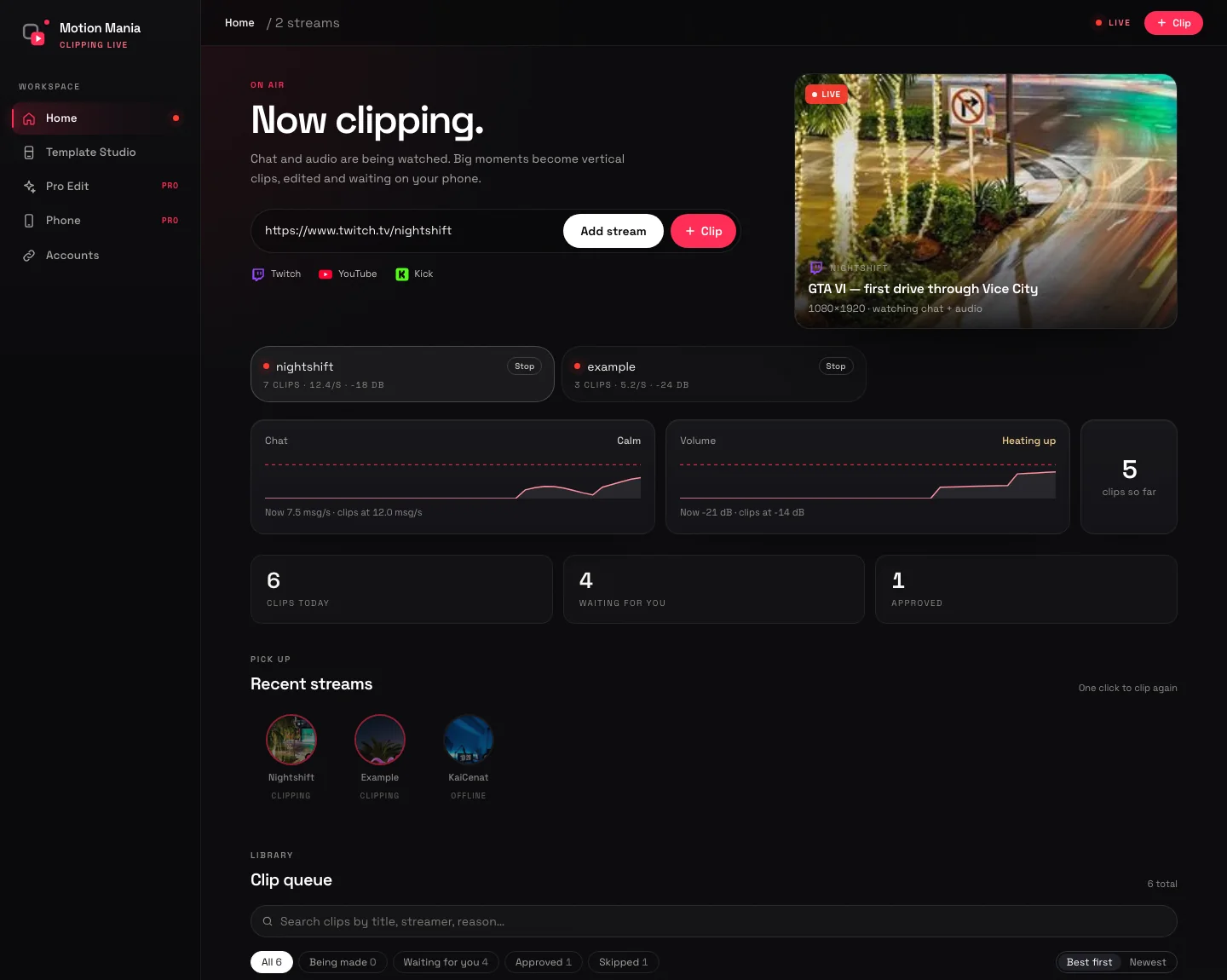
- Paste a live link. Twitch, YouTube or Kick — the channel page URL is fine.
- Press Start clipping. It spends the first minute learning the channel's normal. Nothing fires before that.
- Wait for the first clip. The first one downloads the speech model (about 140 MB) — later clips are faster.
- Publishing connections are coming soon to Pro. For now, export the 1080×1920 MP4 and post it to YouTube or TikTok yourself.
What your machine needs
| Item | Minimum | Comfortable |
|---|---|---|
| Processor | 4 CPU cores | 8+ cores, Apple Silicon or modern x86 |
| Memory | 8 GB | 16 GB or more |
| Free disk | 5 GB | 20 GB+ for clip history |
| Graphics | Integrated | Hardware video encoder (NVENC, Quick Sync, VideoToolbox) |
| Internet | Needed for the stream and uploads | Wired or stable Wi-Fi |
A 30–60 second clip typically renders in under a minute on an Apple-silicon laptop. Rendering one clip at a time keeps quality predictable.
If something goes wrong
macOS says "Motion Mania is damaged and can't be opened"
That is Gatekeeper reacting to a downloaded app. Open System Settings → Privacy & Security, scroll down and click "Open Anyway". If it still refuses, re-download the latest build.
No clips are appearing
Give it a minute after pressing Start — it learns the channel's baseline first. Check that the stream is actually live, that chat is readable, and that the log at the bottom of Home isn't reporting a stream error.
Rendering is slow
Close other heavy apps, and check whether a hardware encoder is available. 60 fps and the High preset cost the most. A 30-second clip should take well under a minute on a recent laptop.
The phone app won't connect
The phone app needs the same network path as your computer. Make sure the tunnel shows a green address in the Phone tab, then scan the QR code again. If you restarted the app, the address may have changed — re-scan.
Where are my clips stored?
On your computer, in the app's buffer folder. "Open clips folder" at the bottom of the Home screen takes you there. Uninstalling the app leaves them in place unless you delete that folder.
Still deciding?
See what it catches, how Pro Edit works, and what you get on each plan.
Explore features